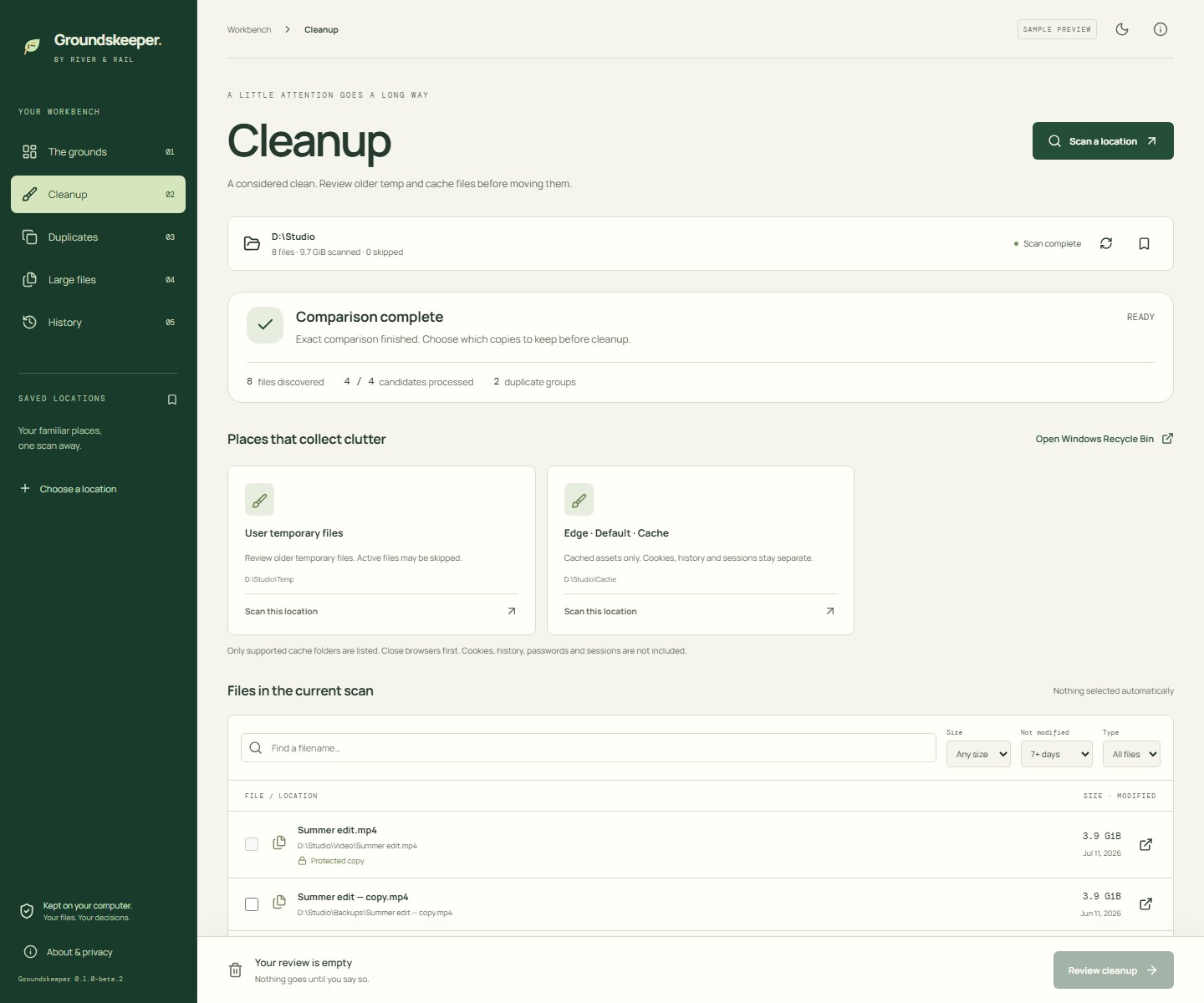
01 / CLEANUP
A considered clean.
Review supported temp and browser-cache locations before choosing what moves to the Recycle Bin.
 Groundskeeper
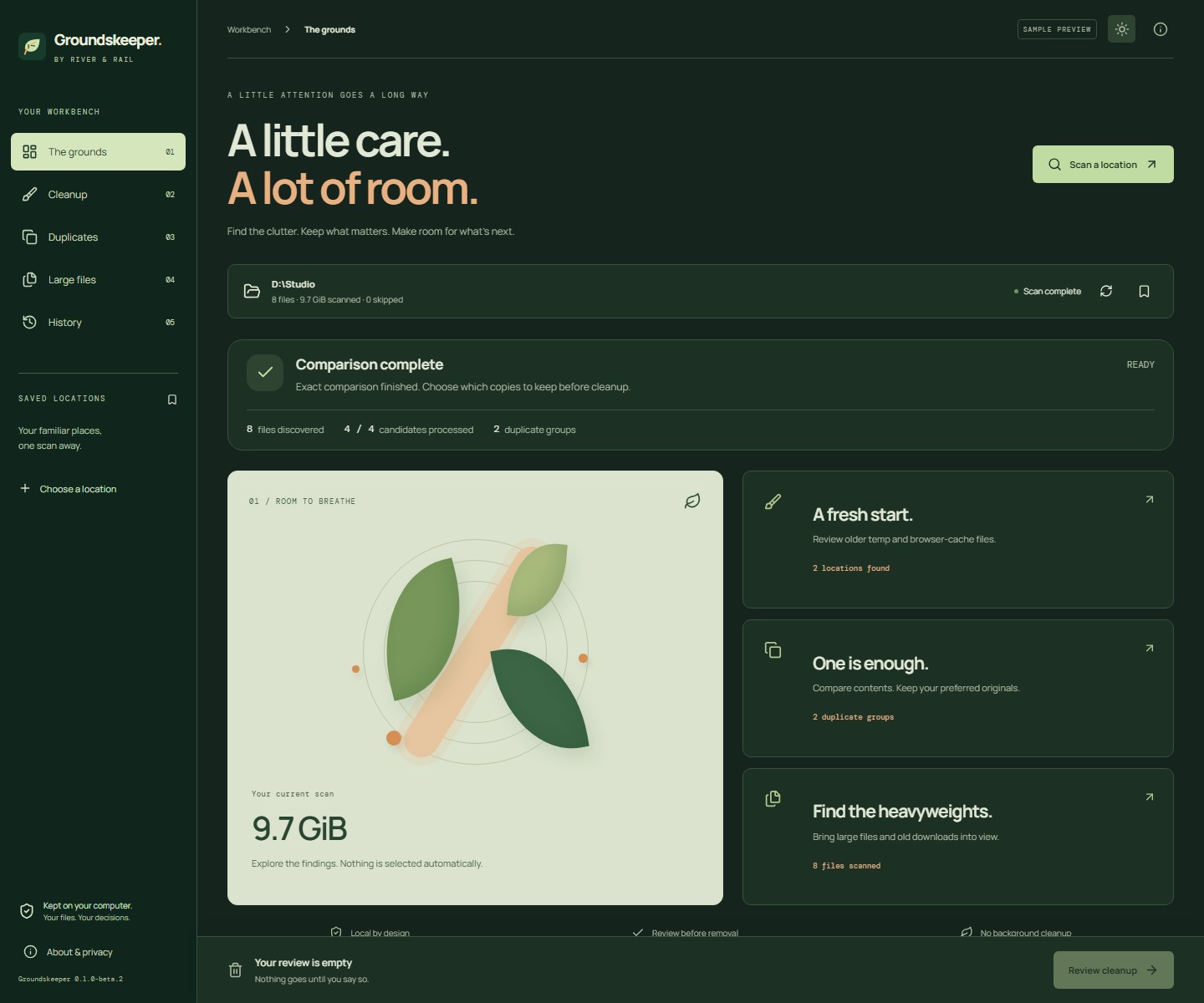
Find the clutter.
Keep what matters.
Make room for what’s next.
No account, analytics, or background cleanup. This build is unsigned, so Windows may show a publisher or reputation warning. Tested on our development PC; independent Windows-machine testing remains pending.
Read the build-time testing record ↗TAKE A CLOSER LOOK
Three useful tools, one workbench.
Select a screenshot to enlarge it.
All screenshots show sample data.
01 / CLEANUP
Review supported temp and browser-cache locations before choosing what moves to the Recycle Bin.
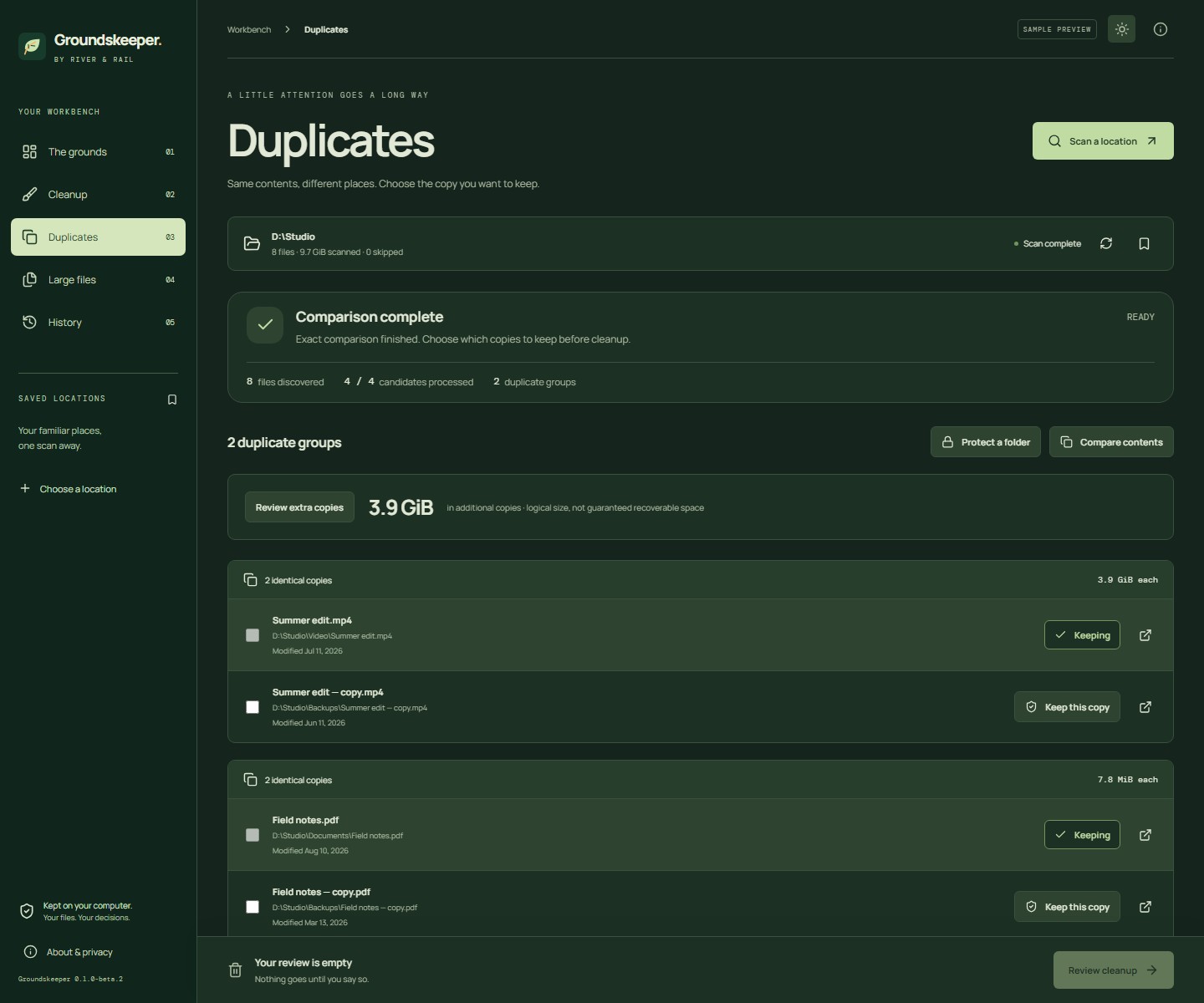
02 / DUPLICATES
Compare exact copies, choose the original you want, and protect preferred folders.
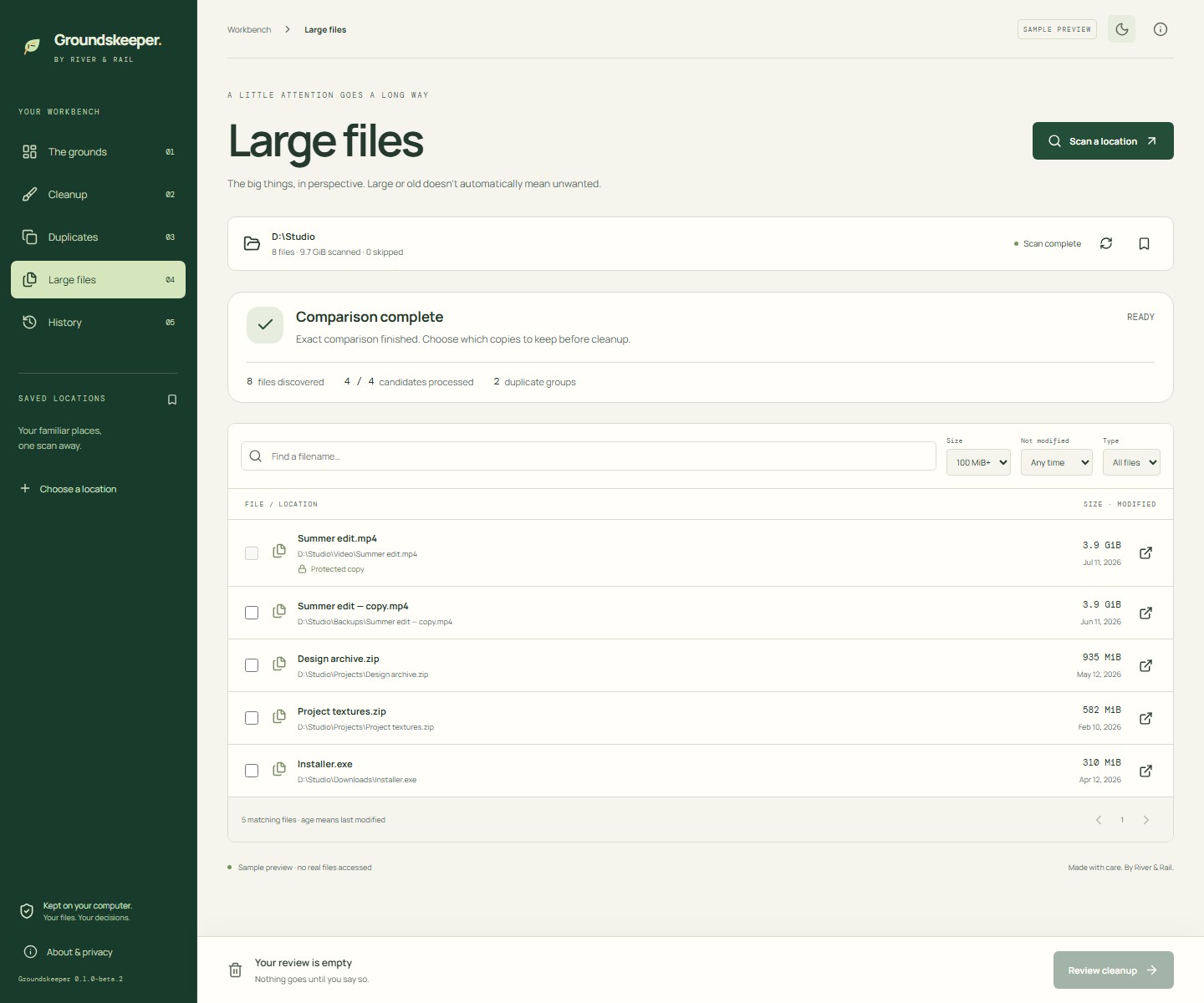
03 / LARGE FILES
Sort the big files into view and narrow the list by filename, type, size, or modification date.
Download verification
17 native tests and 8 browser tests passed, alongside installed and portable Windows checks. Microsoft Defender found no threats in the release folder and extracted app on 2026-09-08 (UTC), using definitions 1.459.111.0.
This is our recorded result, not independent certification or a guarantee of safety. The app is unsigned; a completed VirusTotal report is not available.
View scan details and package hashes ↗Before you install
Scanning and file-content comparison happen locally. Saved locations, protected folders, preferences, and cleanup counts stay in the app’s local storage. No account or paid service is needed. Read app privacy details.
Windows 11 on an x64 PC. The installer runs for the current user and may download Microsoft WebView2 if it is missing. The portable application needs WebView2 already installed.
Supported user temp folders and Chrome, Edge, Brave, and Firefox caches. Close browsers before cleanup. Browser history, cookies, passwords, sessions, registry cleaning, and extension management are outside this beta.
Files move to the Windows Recycle Bin and still occupy space there. Groundskeeper reports bytes moved separately from measured free-space changes. Restore or empty the bin through Windows.
Scan one local folder or drive at a time. Review up to 100 files per cleanup batch. Links, offline cloud placeholders, and unavailable entries are skipped or reported. There is no scheduled cleanup, permanent deletion, or similar-photo matching.
Email hello@riverandrail.app with your Windows version, app version, and what happened. Check screenshots for private file paths before sharing.
Release desk
The companion utility
Explore the big picture with DiskGolf’s visual disk map, then use Groundskeeper for cleanup and exact duplicate review.
Explore DiskGolf ↗