Your disk,
at a glance.
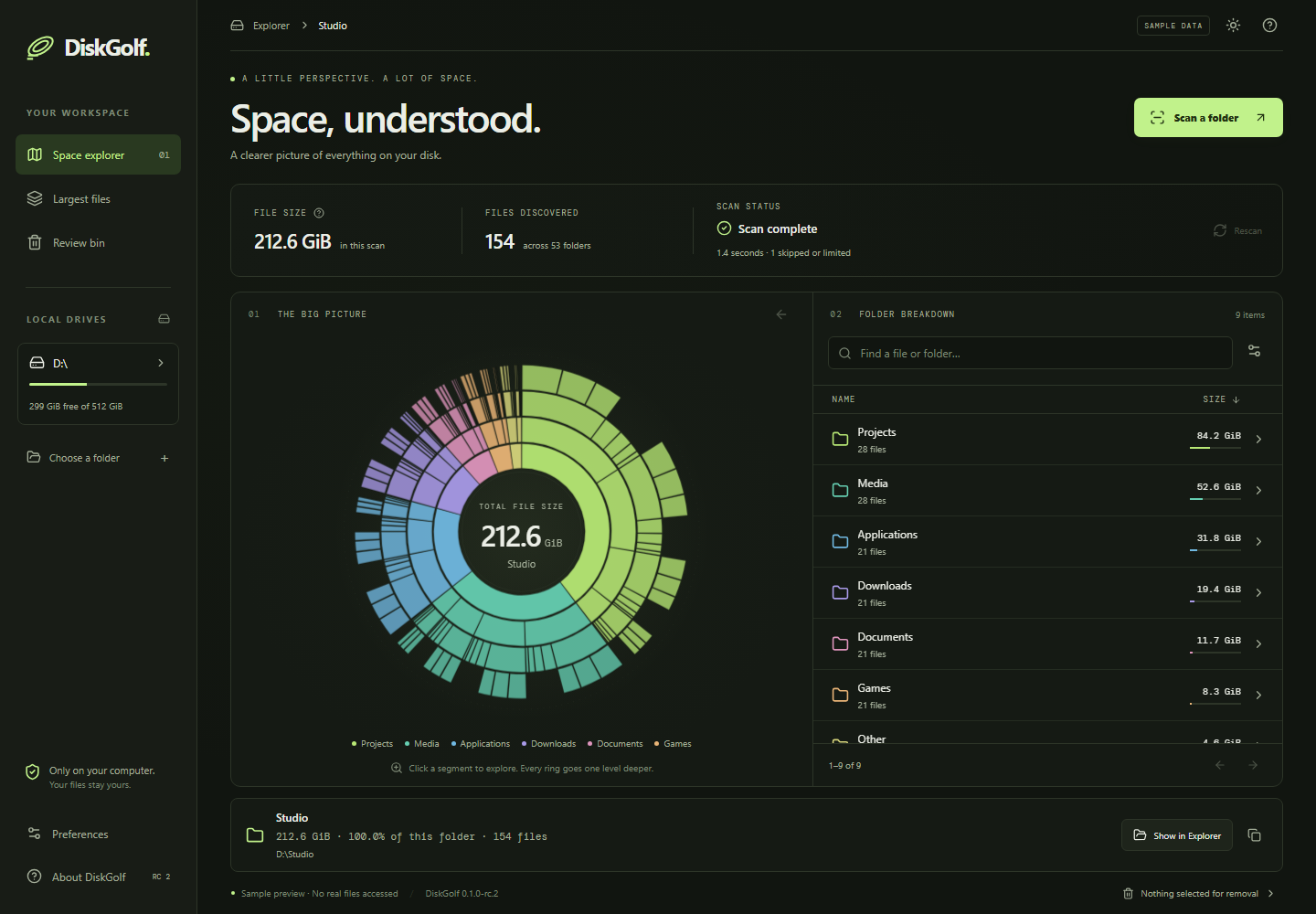
A circular map makes large folders stand out. Follow a segment inward, navigate back, or use the matching folder list.
 DiskGolf
Find what’s filling your disk.
See where it lives.
Decide what stays.
This build is unsigned, so Windows may show a publisher or reputation warning. It has passed automated checks and user testing on our development PC; testing on a separate Windows 11 machine is still pending. Start with a small folder and a disposable file for cleanup testing.
Read the testing checklist ↗Download verification
Microsoft Defender Antivirus found no threats in the download folder and extracted portable app on 2026-09-08 (UTC), using definitions 1.459.111.0. This is our recorded scan result, not an independent certification or a guarantee of safety.
This release is unsigned. A completed VirusTotal report is not yet available.
View scan details and file hashes ↗A circular map makes large folders stand out. Follow a segment inward, navigate back, or use the matching folder list.
Find large files. Filter by name, file type, and size. Copy a full path or open its location in Explorer.
Review selected files before moving them to the Windows Recycle Bin. Restore through Windows. DiskGolf never automatically empties the bin.
Before you install
No. DiskGolf scans file metadata locally and does not upload file names, contents, or scan results. No account or paid AI service is needed. Optional diagnostics exclude file names and paths. Read app privacy details.
Windows 11 on an x64 PC. The installer runs for the current user and may download Microsoft WebView2 if it is missing. The portable version needs WebView2 already installed.
Files in the Recycle Bin still occupy space. DiskGolf separates bytes moved from measured free-space changes. Emptying the bin is your separate decision in Windows.
Scans are snapshots. Links, offline cloud placeholders, and inaccessible entries are skipped or reported. File sizes, allocated storage, and whole-drive usage can differ. Network shares and other operating systems are outside this beta’s support target.
Email hello@riverandrail.app with your Windows version, DiskGolf version, and what happened. Optional diagnostics are available in the app. Review screenshots for private file paths before sharing.
Release desk